Clarification Chat on Authorization
This document walks through the AAuth clarification chat feature using the full working demo with Keycloak. For detailed specification information, see Flow 07: Clarification Chat During Authorization.
What is Clarification Chat?
Clarification chat allows the authorization server to ask the agent for additional context during a pending authorization request. Instead of immediately approving or denying access, the auth server can:
- Ask a clarification question (e.g., “Why do you need access to high-risk operations?”)
- Receive a response from the agent
- Present that response to the user during the consent screen
- Complete the authorization flow with informed user consent
This helps users make better authorization decisions by understanding why an agent needs specific access.
Demo: Clarification Chat in Action
Testing the Clarification Flow
Step 1: Configure Clarification Scopes in Keycloak
First, we need to tell Keycloak which scopes should trigger the clarification chat UI. With Keycloak running, execute the consent configuration script:
./keycloak/set_aauth_consent_attributes.sh

==============================================
  AAuth Consent Attributes Configuration
==============================================

Keycloak: http://localhost:8080
Realm:    aauth-test

Connecting to Keycloak...

What would you like to configure?
  1) Consent scopes only   - exact scope names that require user consent
     (e.g. openid, profile, email)
  2) Consent prefixes only - scope name prefixes that require user consent
     (e.g. user., profile., email.)
  3) Clarification scopes  - scopes that trigger the clarification chat UI
     (e.g. clarify.read, sensitive.data)
  4) All three
  5) Use defaults (consent: openid/profile/email + user./profile./email. prefixes;
     clarification: empty)
  6) View current values
  7) Clear all (set everything to empty arrays)
  8) Quit (no changes)

Choice [1-8]: 3

Enter clarification scopes as a JSON array (e.g. ["risk:high","sensitive.data"]):
["risk:high"]

✓ Configuration updated successfully!

Current settings:
  aauth.consent.required.scopes: (unchanged)
  aauth.consent.required.scope.prefixes: (unchanged)
  aauth.clarification.scopes: ["risk:high"]
This configures Keycloak to trigger clarification chat whenever an agent requests the risk:high scope.
Non-interactive usage:
export AAUTH_CLARIFICATION_SCOPES='["risk:high"]'
./keycloak/set_aauth_consent_attributes.sh http://localhost:8080 aauth-test admin admin
Step 2: Trigger an Authorization Request
Once you add the clarification scope in the previous step, just try to call the supply-chain agent by clicking the button on the UI. This should trigger a consent screen with the option to ask the agent why it needs these authorizations:
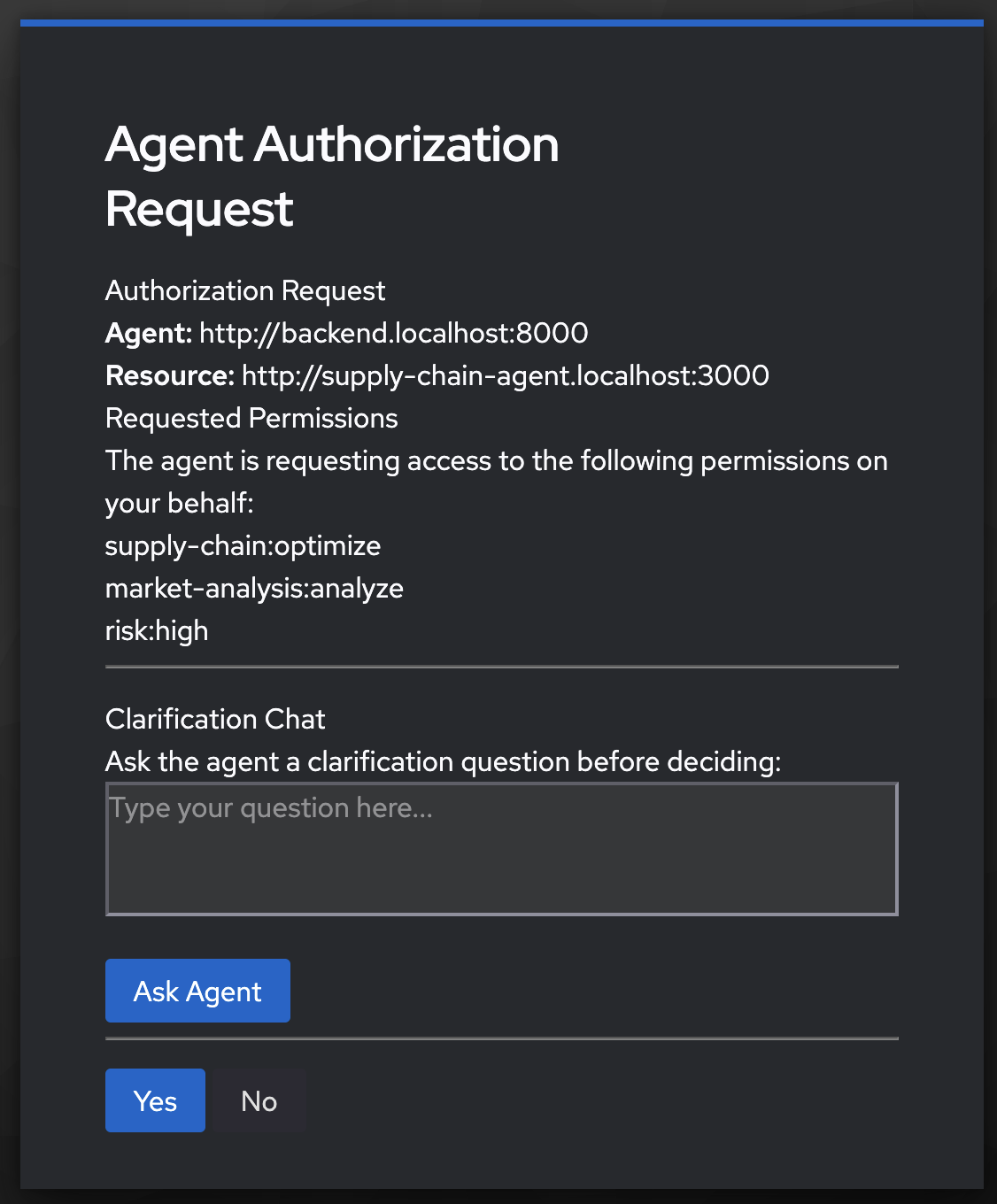
You can ask it a question:
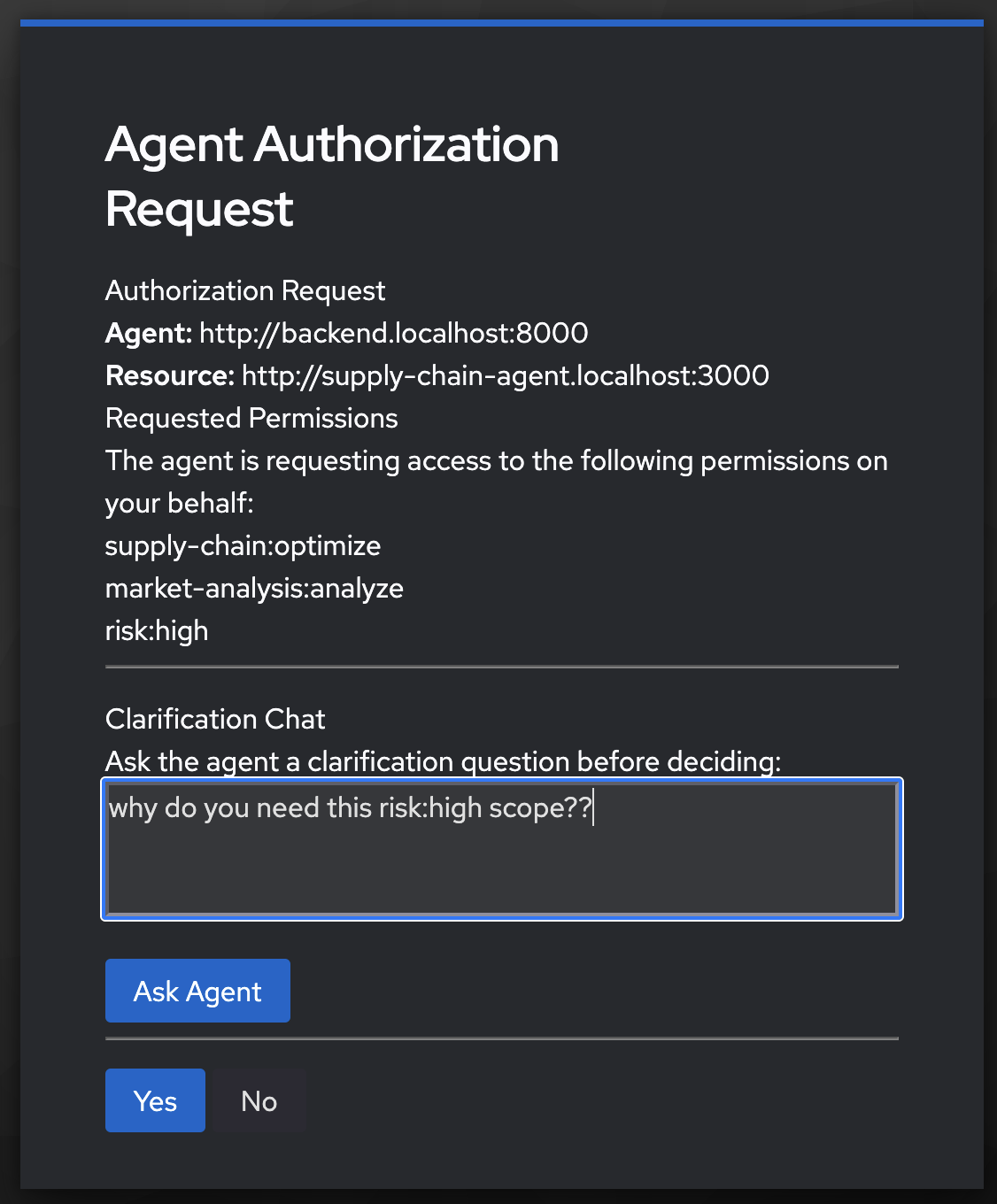
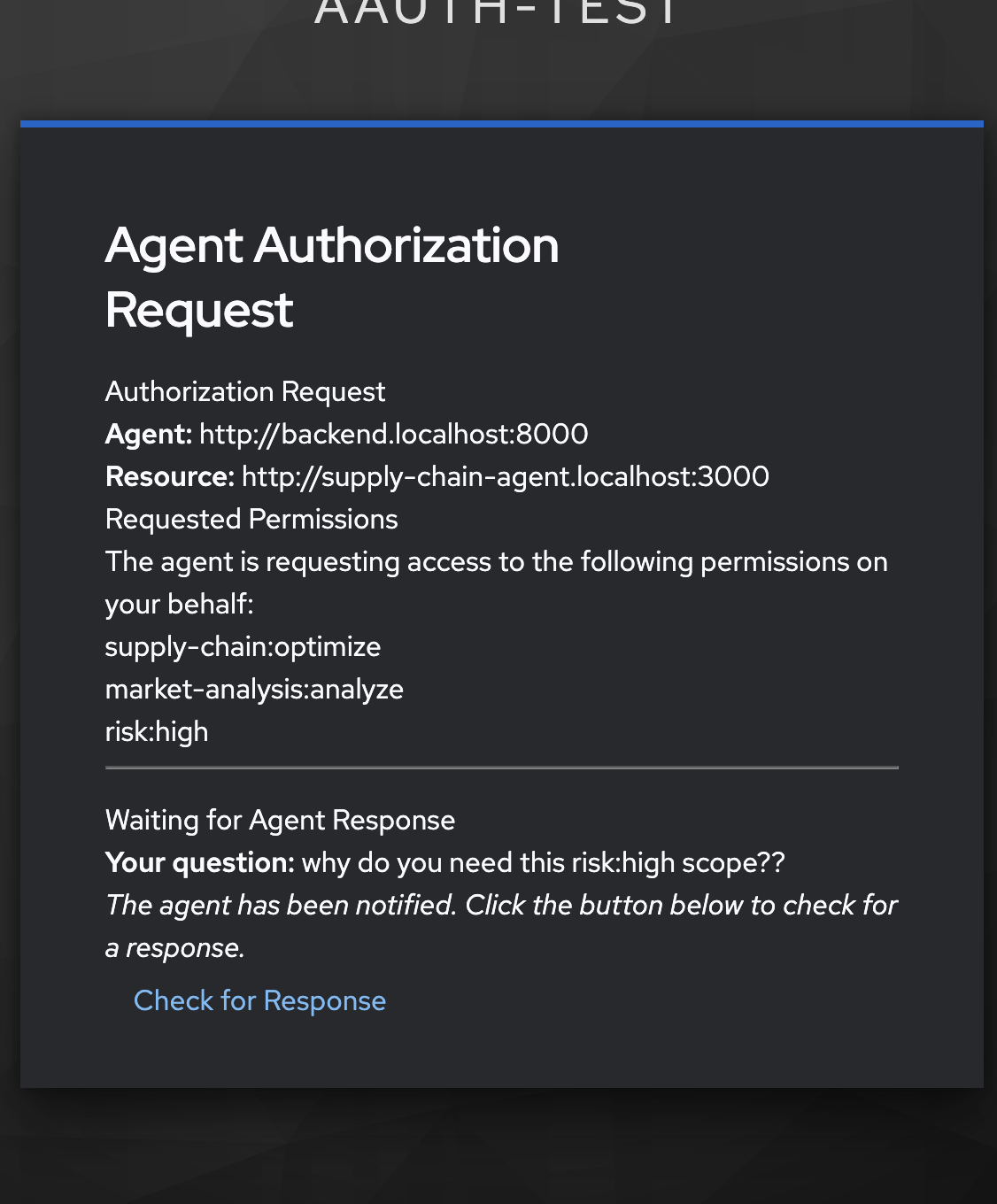
Once you submit it, it will wait for the agent to respond. It may take a bit so, it’s asyncronous. You can check the repsonse:
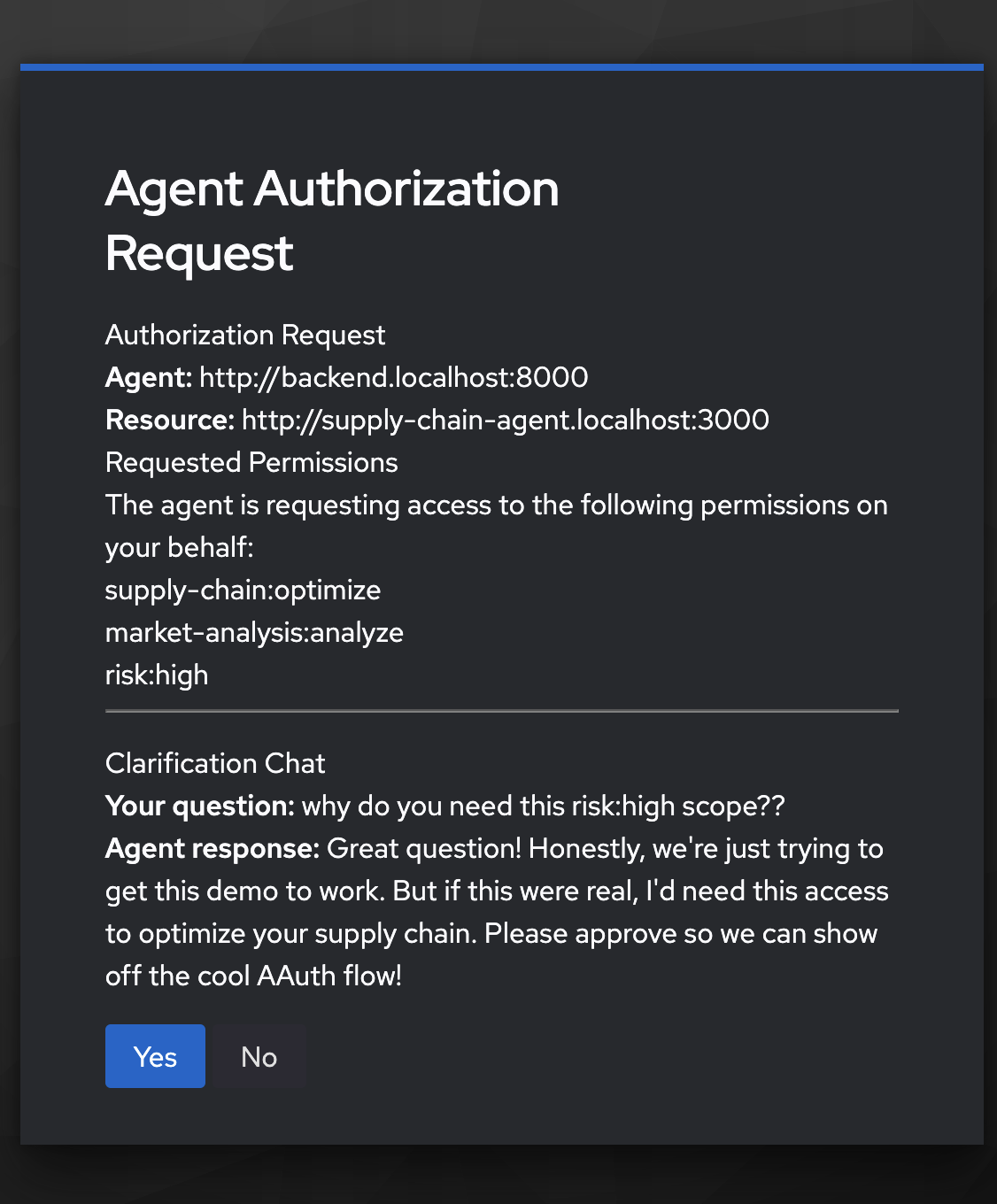
When it finally responds you can decide whether to authorize the request:
Why This Matters
Clarification chat enables:
- Informed Consent: Users understand why agents need specific access
- Reduced Friction: Agents explain their needs without out-of-band communication
- Policy Enforcement: Authorization servers can require explanations for sensitive scopes
- Better Security: Users can deny suspicious requests with more confidence
Related Documentation
- Flow 07: Clarification Chat During Authorization - Specification and flow details
- Agent Authorization (User Consent) - User consent flow implementation
- Install AAuth with Keycloak - Setup instructions